
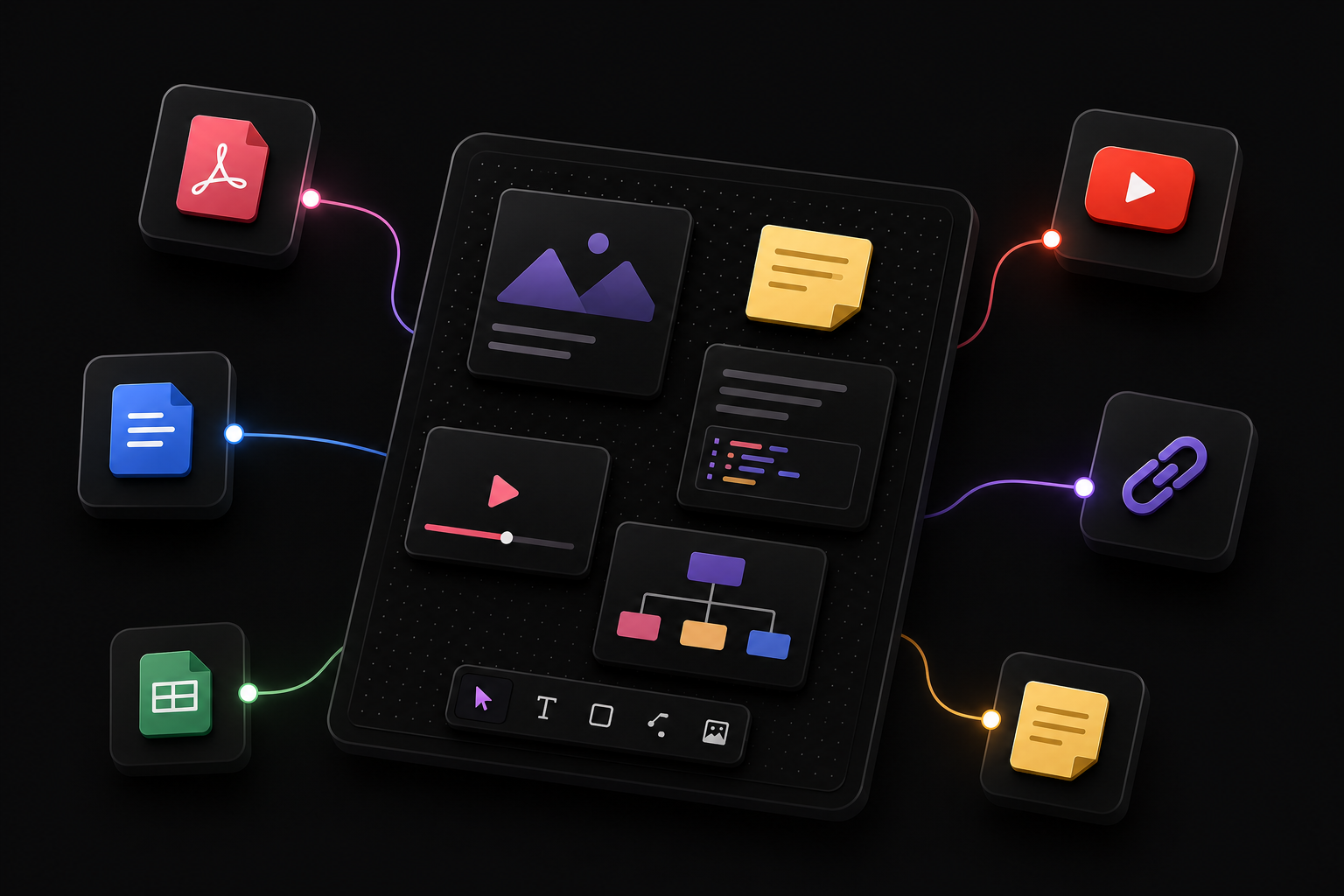

Ask questions grounded in uploaded documents.
DocTree vs ChatGPT
Choose DocTree when chat threads are not enough. Collect trusted sources, select the exact context for each question, and turn grounded explanations into connected artifacts you can keep exploring on a spatial canvas.
ChatGPT is the broader assistant. DocTree gives learning a visible structure that can grow beyond a single conversation.
ChatGPT combines general conversation with Study Mode, Projects, memory, files, search, deep research, data analysis, voice, image generation, and a writing and coding Canvas.
DocTree follows a durable learning loop: collect sources, select context, ask or transform, place the result on the canvas, and reuse that artifact for deeper exploration.
Choose ChatGPT for broad multimodal AI assistance. Choose DocTree when you want explicit source context and a spatial, reusable understanding of a subject.
ChatGPT General-Purpose AI Assistant | DocTree Agentic Learning Workspace | |
|---|---|---|
| Handle broad everyday AI tasks | IncludedSupports questions, writing, brainstorming, planning, coding, analysis, and creation | Not includedFocuses on learning from sources and building connected knowledge artifacts |
| Guide learning step by step | IncludedStudy Mode uses questions, progressive explanations, practice, and feedback | IncludedAdapts answers and artifacts to beginner, familiar, or expert depth |
| Keep long-running work together | IncludedProjects group chats, uploaded files, instructions, tools, and memory | IncludedEach canvas keeps sources and generated artifacts spatially organized |
| Control the active source context | IncludedUses the files, chats, instructions, memory, and tools available to the current chat or Project | IncludedLets the learner explicitly select the compatible canvas items used for each question |
| Work with uploaded files | IncludedWorks with common documents, presentations, spreadsheets, PDFs, text, and images | IncludedExtracts and retrieves relevant passages from selected compatible sources |
| Ask source-aware questions | IncludedCan answer from uploaded files and connected sources available to the conversation | IncludedUses explicitly selected canvas context for grounded questions and transformations |
| Use a freeform spatial knowledge canvas | Not includedOrganizes work through chats and Projects rather than freely positioned knowledge items | IncludedLets you move, resize, connect, and arrange compatible items on a freeform canvas |
| Edit writing and code on a canvas | IncludedChatGPT Canvas supports focused writing and coding edits, revisions, and inline feedback | Not includedUses canvas cards for sources and artifacts, not a ChatGPT-style document editor |
| Search and conduct broad research | IncludedProvides web search and deep research for sourced, multi-step investigation | Not includedFinds learning resources but centers its workflow on sources placed on the canvas |
| Analyze data and create charts | IncludedAnalyzes uploaded data with code-backed calculations, tables, and charts | Not includedDoes not currently provide a general-purpose data-analysis notebook |
| Use voice and multimodal creation | IncludedSupports voice interaction, images, and broad multimodal creation where available | Not includedFocuses on a text-and-canvas learning workflow rather than broad multimodal assistance |
| Create durable learning artifacts | IncludedCreates useful responses, documents, code, images, analyses, and files across chats and Projects | IncludedCreates summaries, articles, diagrams, mind maps, curricula, notes, code, and resources on the canvas |
| Reuse generated outputs as context | IncludedCan reference relevant chats and files through Project context and memory settings | IncludedKeeps compatible artifacts selectable for later questions and transformations |
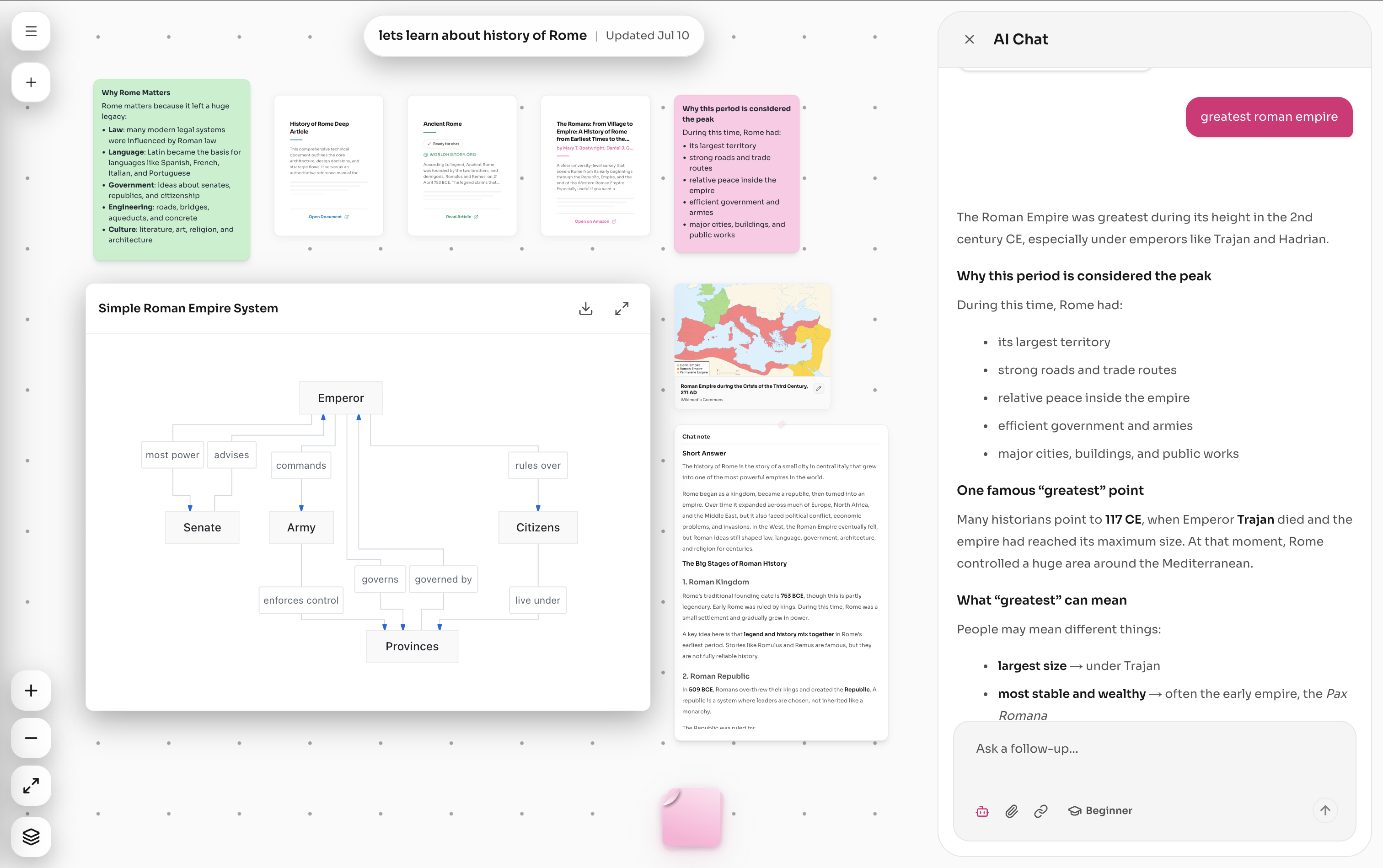
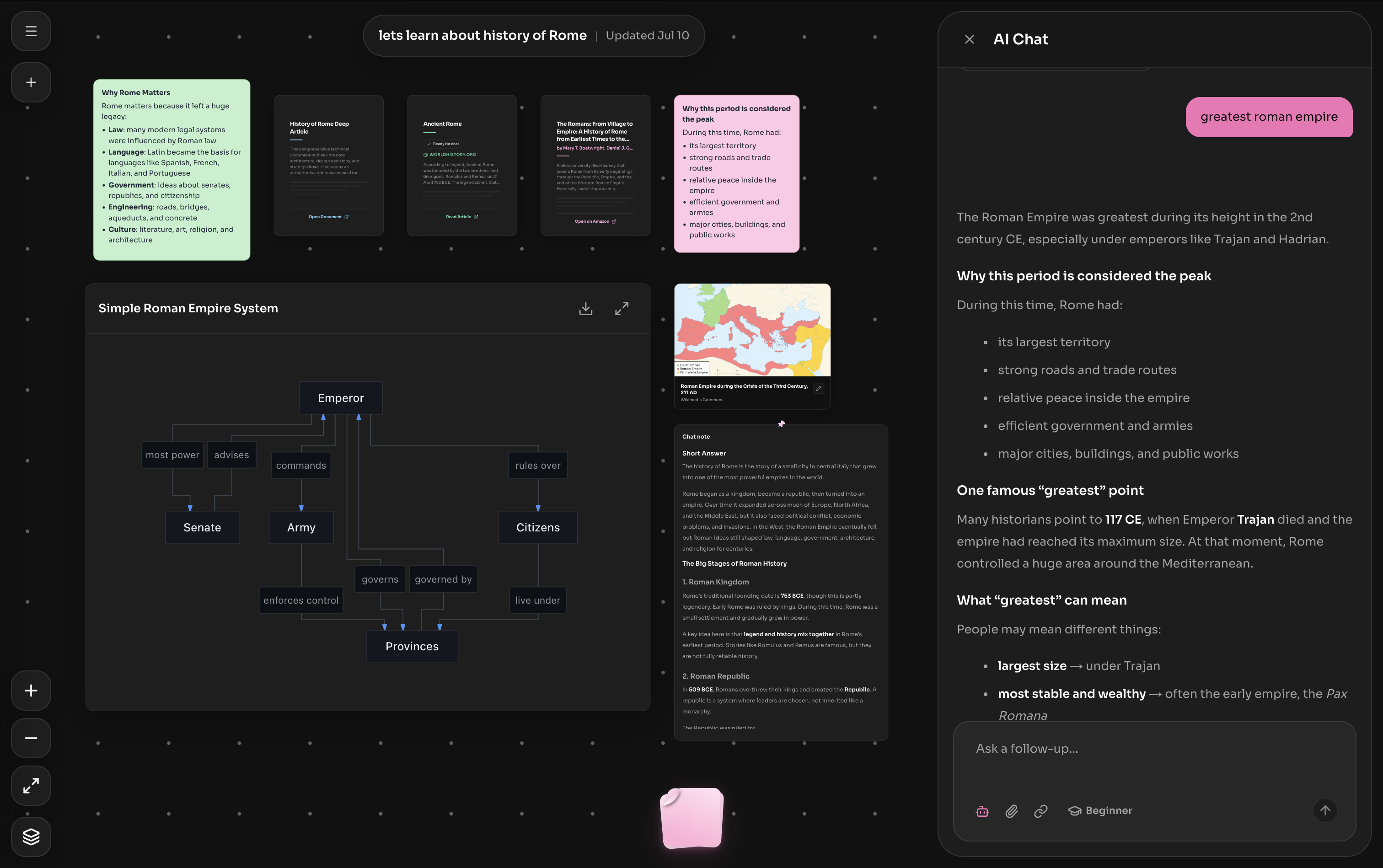
Watch DocTree turn a topic into an explorable curriculum, keep it beside the supporting sources, and make every useful result available for the next question.
Create summaries, diagrams, mind maps, and notes from the topic or sources you are exploring.
Keep useful outputs beside the exact sources and canvas items that shaped them.
Move between sources, notes, and generated artifacts without rebuilding your context.
DocTree Advantage
DocTree keeps sources, questions, explanations, diagrams, and curriculum together so you can investigate how ideas fit.
DocTree Advantage
Arrange compatible sources and artifacts on a canvas that makes clusters, gaps, and connections easier to revisit.
DocTree Advantage
Keep compatible artifacts on the canvas, select the ones that matter, and use them for the next explanation or transformation.
The right product depends on whether you need the broadest AI assistant or a purpose-built spatial environment for learning from sources.
Simple verdict
Choose DocTree when you want to turn trusted PDFs, articles, videos, and notes into a connected knowledge system—not another disposable chat. Select the exact context for each question, get source-grounded explanations at your level, and keep summaries, deep articles, diagrams, mind maps, curricula, notes, code, and resources reusable on a visual canvas. Choose ChatGPT when broad general-purpose assistance, web research, data analysis, voice, coding, and multimodal creation matter more.
ChatGPT
DocTree
Traditional flashcards
Source-grounded learning workspace
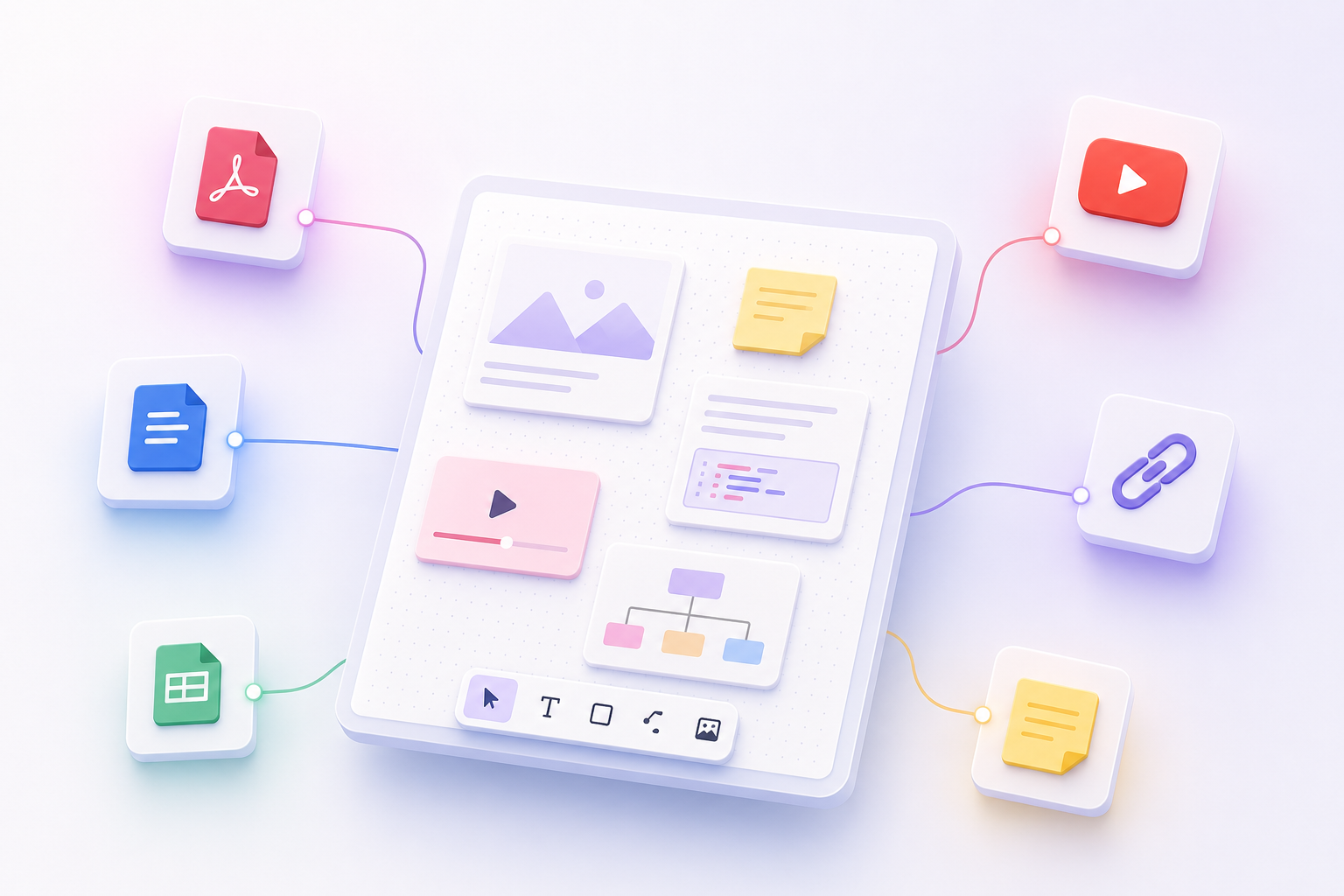
Add PDFs, text documents, articles, YouTube videos, links, and notes to one canvas. Keep the evidence behind your learning close at hand.
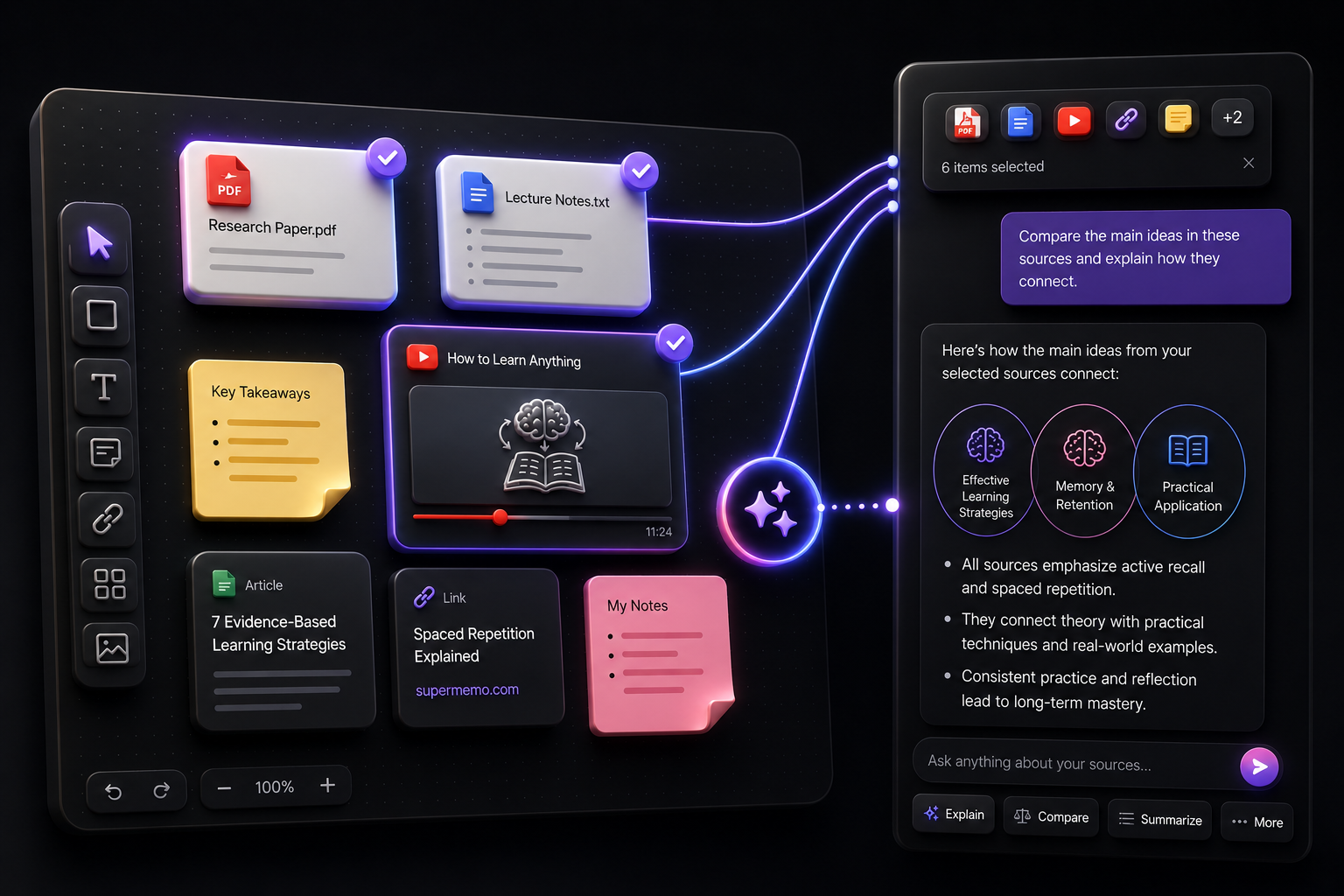
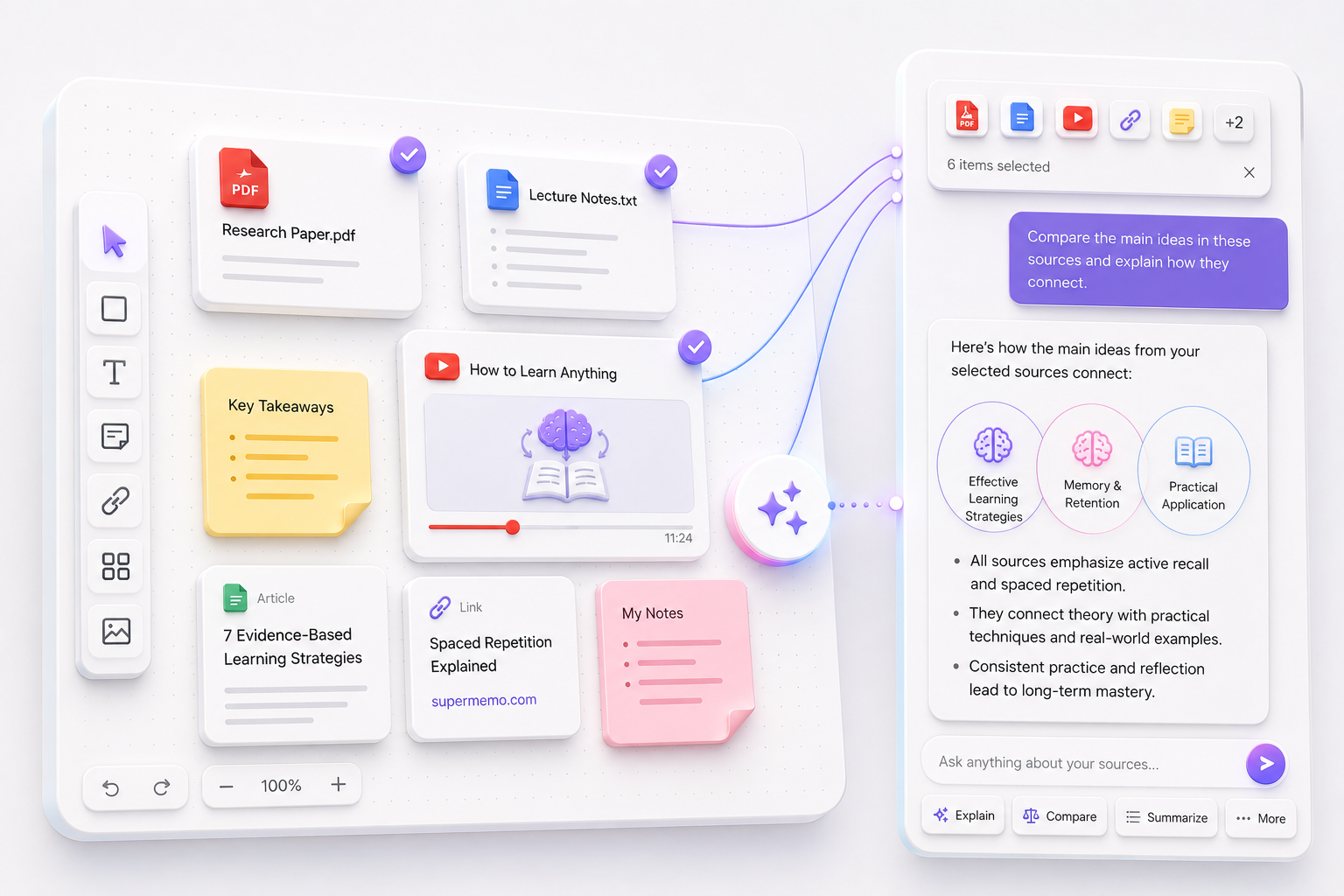
Select the exact compatible sources or artifacts you want to discuss, then ask DocTree to explain, compare, summarize, transform, or expand them.
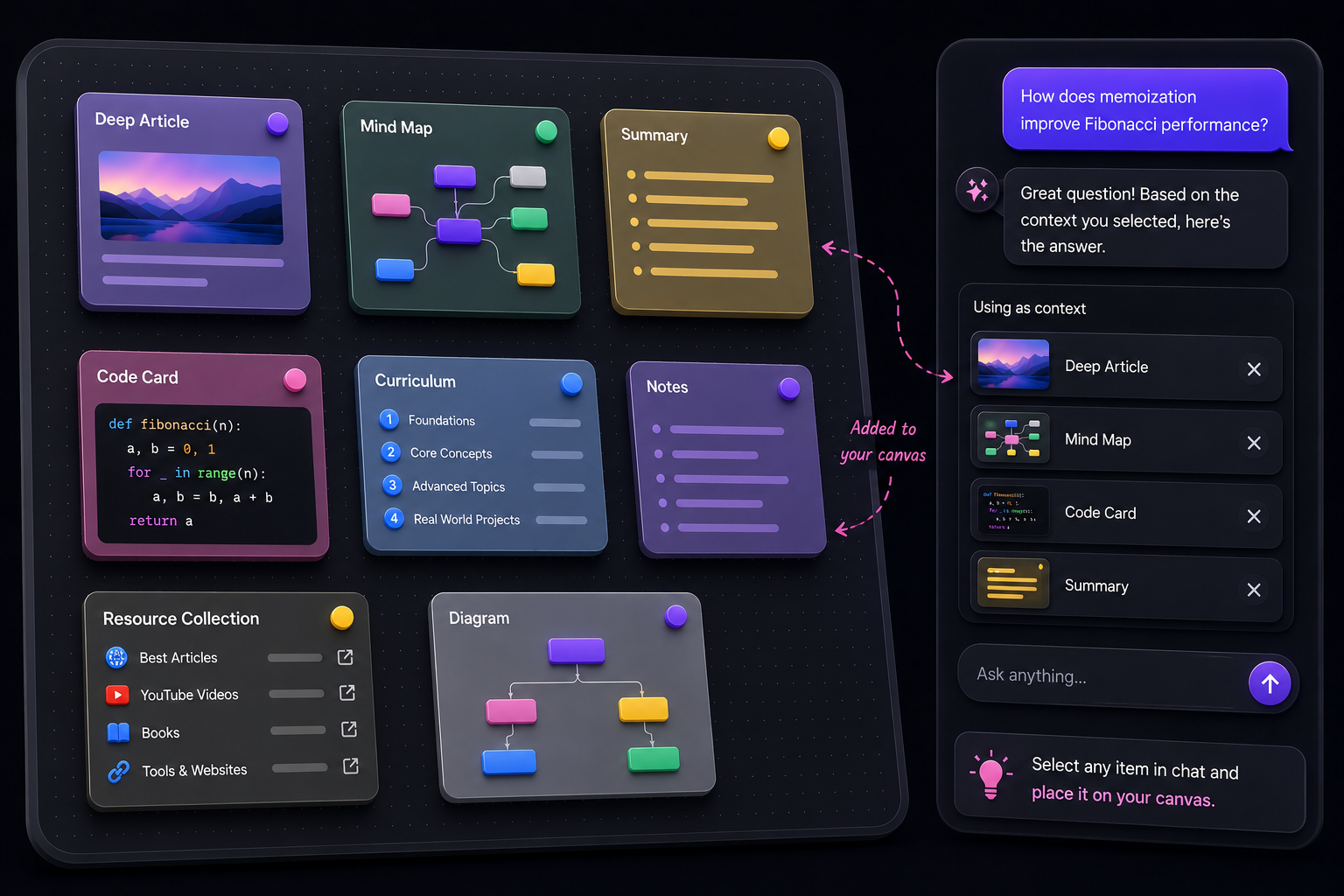
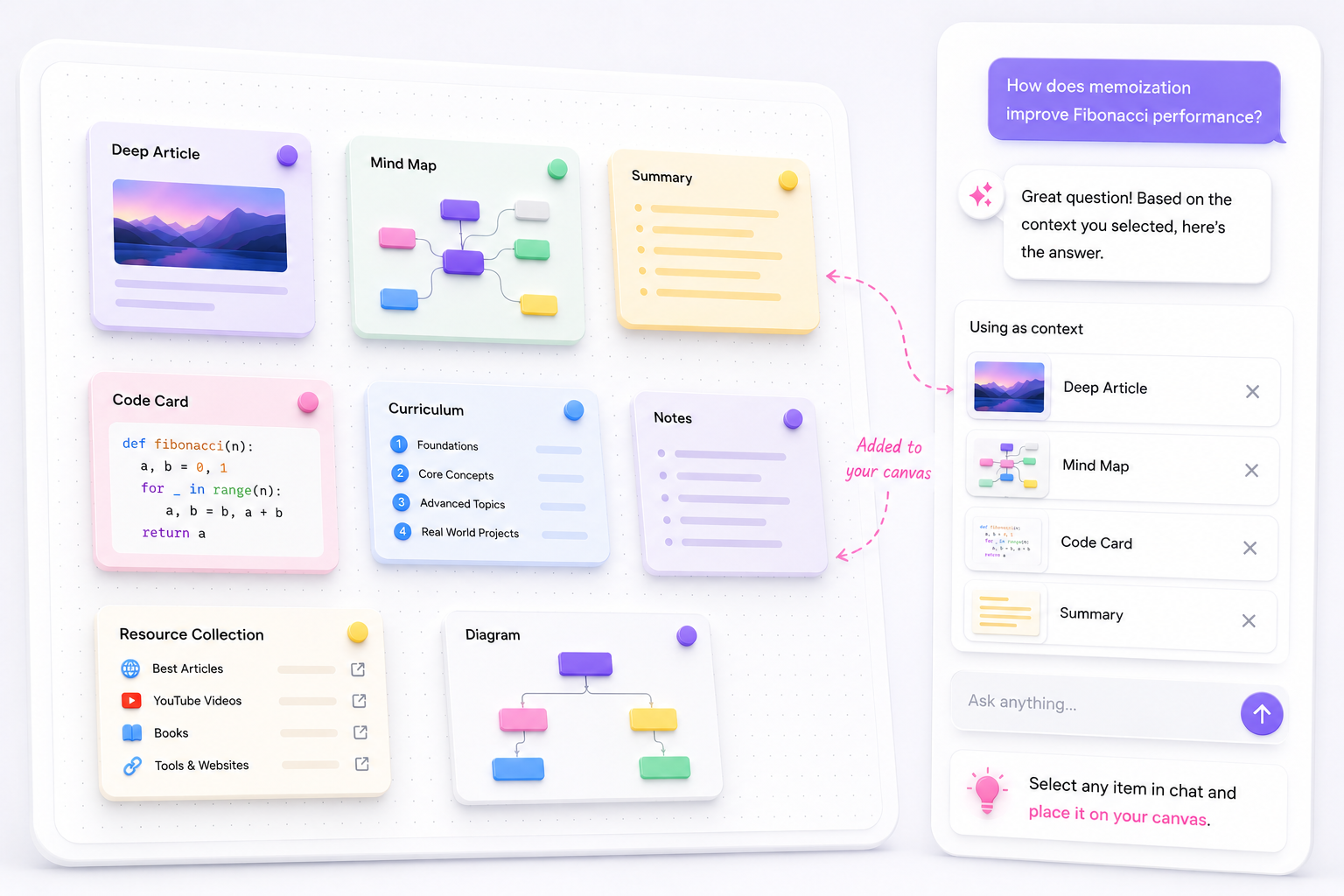
Create summaries, deep articles, diagrams, mind maps, curriculum, notes, code cards, and resource collections, then keep them ready for what comes next.
Everything has a place
Collect source material, capture your thinking, and create new learning artifacts—all in one connected workspace.
Ask questions grounded in uploaded documents.

Learn from transcripts and video explanations.

Keep useful articles and websites connected.

Save reading recommendations and references.

Keep people and experts worth learning from nearby.

Capture ideas, reminders, and selected chat passages.

Read summaries, curriculum, and deep explanations.

Keep visual references alongside the ideas they support.

Preserve reusable code directly from chat.

Visualize systems, processes, and relationships.

Explore a topic through expandable branches.
DocTree does not directly import a ChatGPT account, Project, memory, Library, or complete chat history. Bring original sources and selected useful text into a new visual workspace.
Gather the original PDFs, text or Markdown notes, articles, videos, links, and selected exported text behind the subject you explored in ChatGPT.
Start a canvas for the subject, add compatible sources, and arrange them around the concepts you want to understand.
Ask a grounded question and keep useful summaries, diagrams, articles, notes, or curriculum on the canvas for the next step.
Supported source types
No. ChatGPT is a much broader assistant for search, deep research, voice, writing, coding, data analysis, images, and everyday tasks. DocTree is an alternative for learners who prioritize explicit source context, spatial organization, and reusable knowledge artifacts.
DocTree gives each subject a freeform canvas where compatible sources, questions, answers, summaries, articles, diagrams, mind maps, curriculum, notes, code, and resources can stay connected and support later exploration.
Choose ChatGPT when you want broad AI assistance across writing, coding, web research, deep research, data analysis, voice, images, or everyday productivity, or when Study Mode and Projects fit your workflow.
Yes. ChatGPT can handle broad questions, research, analysis, writing, coding, and creation, while DocTree can hold the selected sources and learning artifacts you want to organize spatially and reuse over time.
No direct importer for a ChatGPT account, Project, memory, Library, or complete chat history is currently offered. Add compatible original sources and selected useful exported text to a DocTree canvas instead.
ChatGPT Canvas is an editing interface for revising a writing or coding project with inline AI help. DocTree's canvas is a freeform spatial workspace where compatible sources and many types of learning artifacts can be arranged, connected, selected, and reused as context.
Yes. ChatGPT can use uploaded files and available connected sources, and Study Mode can work with uploaded images or PDFs. DocTree differs by making explicitly selected compatible canvas items the visible context for its learning workflow.
Yes. Compatible documents and article URLs can be extracted, embedded, and retrieved when you explicitly select them as context for a grounded question.
Yes. DocTree chat can answer ordinary questions or use explicitly selected compatible canvas items as context. Choose beginner, familiar, or expert depth, then keep useful explanations and artifacts on the canvas for later learning.
Yes. DocTree is free to start, so you can create a canvas, add compatible sources, and experience the learning workflow before choosing a paid plan.
Choose the plan that fits your study flow. Upgrade, downgrade, or cancel anytime.
For personal projects and experiments
No card required
Includes
For active learners building deeper knowledge trees.
$119.88/year, $36 less than monthly
Everything in Hobby, plus
For heavy learners, creators, and daily research workflows.
$239.88/year, $60 less than monthly
Everything in Pro, plus
Start a DocTree canvas, bring the sources you trust, and build connected summaries, articles, diagrams, mind maps, curricula, notes, code, and resources you can reuse.
Free to start · No card required · Keep your sources and artifacts together


